A Question Most Businesses Can’t Answer
When I start working with a new client, one of my first questions is: “Who has the logins to your domain and hosting?”
More often than you’d think, the answer is “I’m not sure.”
The website was set up years ago by a former employee, a relative, a friend of a friend, or an agency that’s no longer around. Everything works — until something needs to change. Then nobody can get in.
Losing access to your website accounts can stall a redesign, take your email offline, or leave your site unprotected. Here’s what you should own and how to keep control of it.
The Four Things You Should Own
- Your domain name. This is your address on the internet, and often the key to your business email too. It should be registered in your organization’s name, in an account you control.
- Your DNS settings. DNS connects your domain to your website and email. Whoever controls DNS controls where your domain points.
- Your hosting account. This is where the website files and database live. The account — and the billing — should be in your name.
- Your website admin access. You should have your own administrator login to WordPress, even if you never use it day to day.
Why This Matters
- Renewals. If a domain renewal goes to an old email address, it can expire. An expired domain takes your website and email offline — and in some cases, someone else can register it.
- Email. Business email often depends on DNS records. Changing those without knowing what’s there can break email for your whole team.
- Redesigns. A new website can’t launch if no one can update the domain or hosting.
- Security. Old logins for former employees and vendors are an open door.
How to Check What You Have
- Look up your domain to see which registrar it’s with
- Search your email for renewal notices from registrars and hosting companies
- Check which payment methods are being charged for domain and hosting renewals
- Make a list of everyone who has a WordPress administrator account
How to Get Access Back
If you can’t find the logins, don’t panic. Most registrars and hosting companies have an account recovery process for verified owners. It usually means proving you represent the business — with documents like your business registration or a recent invoice.
It can take some back and forth, so start before you need the access urgently.
Best Practices Going Forward
- Keep all website accounts in your organization’s name, using a shared business email address — not one person’s personal email
- Turn on auto-renew for your domain and keep the payment method current
- Use a password manager to store and share logins securely
- Give vendors and developers their own accounts instead of sharing yours
- Remove access promptly when someone leaves
Final Thoughts
You don’t have to manage your domain and hosting yourself — but you should always own them. That way, whoever helps with your website works for you, and you’re never locked out of your own business.
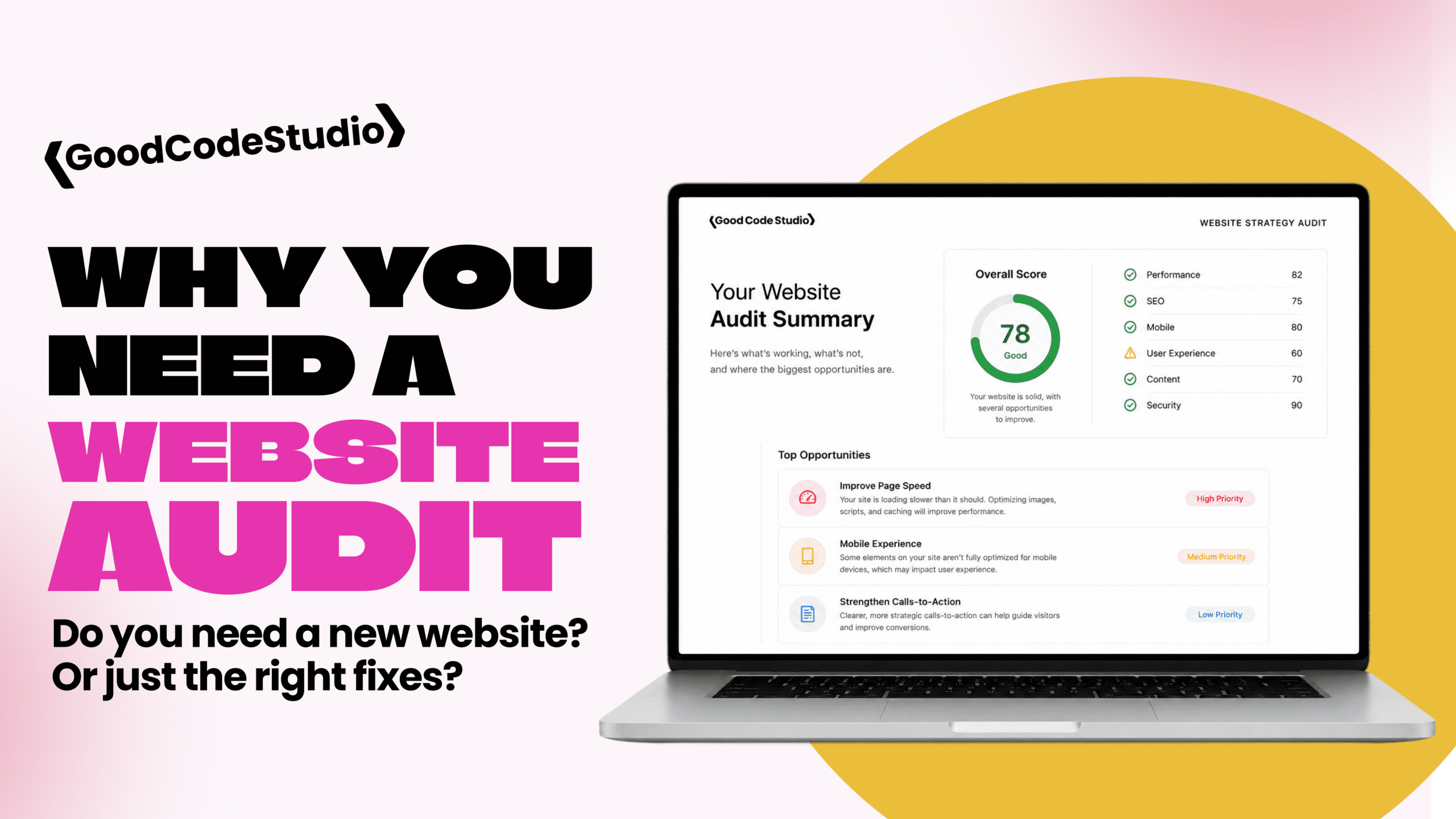
If you’re not sure who controls your website accounts, a website health and strategy audit is a good place to start, and my maintenance plans keep renewals, updates, and access organized. Get in touch if you need help sorting it out.