Your Website Does a Lot of Work in December
For many nonprofits, the last few months of the year are the most important time for fundraising. Emails, social posts, events, and mailers all point people to the same place: your website.
If the donation experience is slow, confusing, or broken on a phone, some of those donors simply won’t finish.
Now is the time to get ready — before the campaigns start. Here’s the checklist I recommend.
1. Make Donating Easy to Find
- A clear “Donate” button in the header on every page, including on mobile
- A dedicated donation page with a simple URL you can share, like /donate
- Donation links in your footer, blog posts, and program pages
Donors shouldn’t have to search. If they’re ready to give, the button should be right there.
2. Simplify the Donation Form
- Ask only for the information you truly need
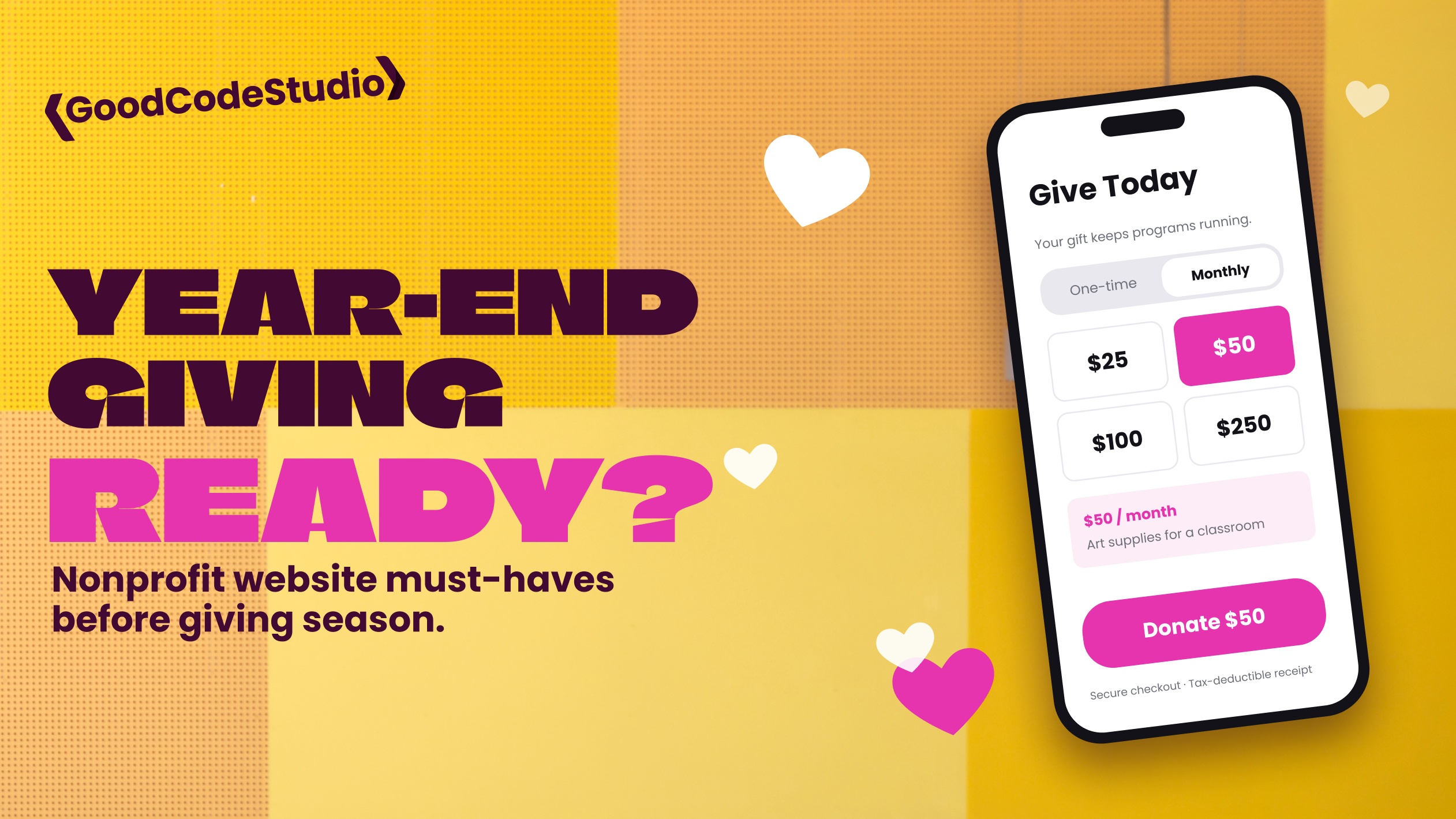
- Offer suggested amounts, with an option for a custom amount
- Make monthly giving an easy choice
- Let donors pay with the methods they already use
- Test the form on a phone, from start to finish
Every extra field and every extra step is a chance for someone to give up. If your form lives on a third-party platform, make sure it matches your branding and opens smoothly from your site.
3. Show the Impact
People give to outcomes, not organizations. Near your donation button, show what a gift actually does:
- “$50 provides a week of art supplies for a classroom”
- A short story about one person your program helped
- A photo of your work in your community
Keep it specific and honest. One real story is more powerful than a page of general statements.
4. Build Trust Quickly
- Your mission in one or two clear sentences
- Your address, contact information, and EIN
- Annual reports or financial information, if you share them
- Logos or quotes from partners and supporters
New donors especially want to know their gift is going somewhere legitimate.
5. Check the Technical Details
- Is the website fast on mobile?
- Is your SSL certificate valid, with no browser warnings?
- Are WordPress, plugins, and your donation tools up to date?
- Do donation confirmation emails send — and land in the inbox, not spam?
- Is analytics set up so you can see where donors come from?
That last email check is easy to overlook. If thank-you and receipt emails fail, donors notice.
6. Plan for Traffic Spikes
Giving Tuesday and the last days of December can bring more visitors than usual. Make sure your hosting can handle it, your backups are current, and someone can respond quickly if something breaks.
The worst time to discover a problem is on December 31.
Final Thoughts
Your website can’t replace relationships with your supporters — but it can make it much easier for them to say yes. A few improvements now can make a real difference by the end of the year.
If your nonprofit’s website needs help before giving season, I’d love to hear about your organization. Learn more about WordPress websites for nonprofits or get in touch.