Search Is Changing — Your Website Can Keep Up
More people are asking AI assistants questions they used to type into Google: “Who builds nonprofit websites in Houston?” “What does a website audit include?” “Is my WordPress site secure?”
Tools like ChatGPT, Perplexity, and Google’s AI Overviews pull answers from websites they can understand and trust. If your site is hard for them to read, someone else’s site gets cited instead.
The good news: most of what helps AI search also helps traditional SEO. Here’s a practical checklist.
1. Make Sure AI Crawlers Can Reach You
- Check your robots.txt file to see whether it blocks AI crawlers like GPTBot, ClaudeBot, or PerplexityBot
- Make sure important pages aren’t hidden behind logins, pop-ups, or scripts that only load after interaction
- Keep a clean, up-to-date XML sitemap
If a crawler can’t reach your content, nothing else on this list matters.
2. Say Clearly Who You Are and Where You Work
AI tools recommend businesses they can identify with confidence. Make it easy:
- State what you do and who you serve on your homepage, in plain words
- Include your city or service area naturally in your content
- Use the same business name, phone number, and location everywhere online
- Keep your Google Business Profile complete and current
3. Use Clear Page Structure
- One H1 per page that describes what the page is about
- Logical H2 and H3 headings underneath
- Short paragraphs and lists for steps, features, and comparisons
- Descriptive page titles and meta descriptions
Well-structured pages are easier for AI systems to break into answers — and easier for people to skim.
4. Add Structured Data
Structured data (schema markup) labels your content in a way machines understand directly. Useful types for most businesses:
- Organization or LocalBusiness — your name, location, phone, and service area
- Service — what you offer on each service page
- FAQPage — questions and answers on key pages
- Article or BlogPosting — your blog posts, with dates
On WordPress, a good SEO plugin can handle most of this, with a little custom code for the rest.
5. Answer Real Questions
AI assistants are built to answer questions, so content that answers questions directly tends to get cited:
- Add FAQ sections to your service pages
- Write blog posts around the questions your customers actually ask
- Lead with the answer, then explain
The questions you hear on phone calls and in emails are a great place to start.
6. Show Proof
Specific, verifiable details build trust with people and machines alike: case studies with real outcomes, client quotes, years of experience, and clear information about your process.
7. Consider an llms.txt File
An llms.txt file is a simple text file that summarizes your website for AI tools and points them to your most important pages. It’s still an emerging idea and not every tool uses it yet — but it’s quick to set up, and many WordPress SEO plugins can generate one.
Final Thoughts
You don’t need to rebuild your website for AI search. Clear structure, accurate information, structured data, and helpful answers go a long way — and they make your site better for human visitors too.
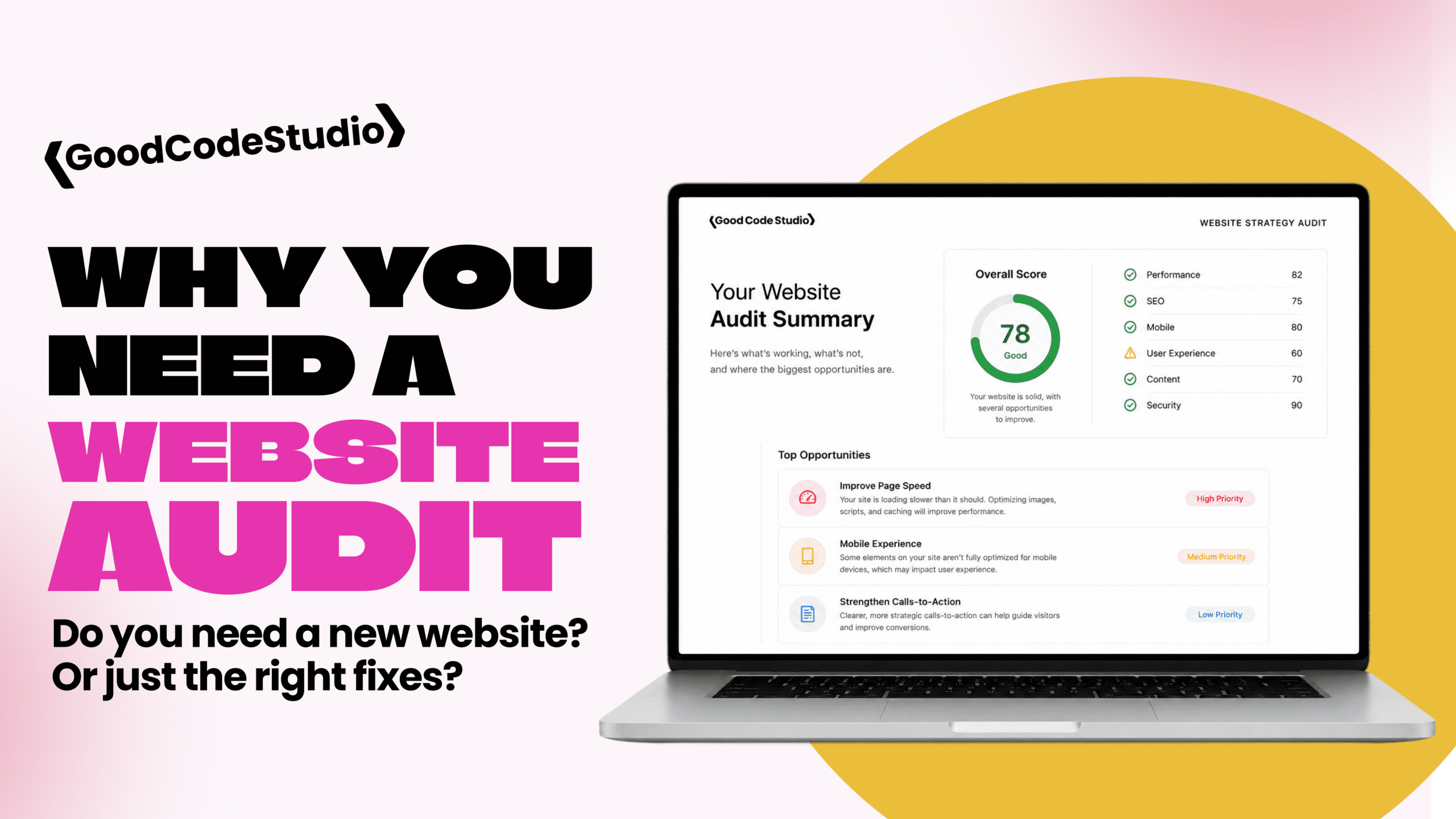
If you’d like to know how your website looks to AI tools, a website health and strategy audit is a great place to start. Learn more about AI-ready WordPress development, or get in touch.