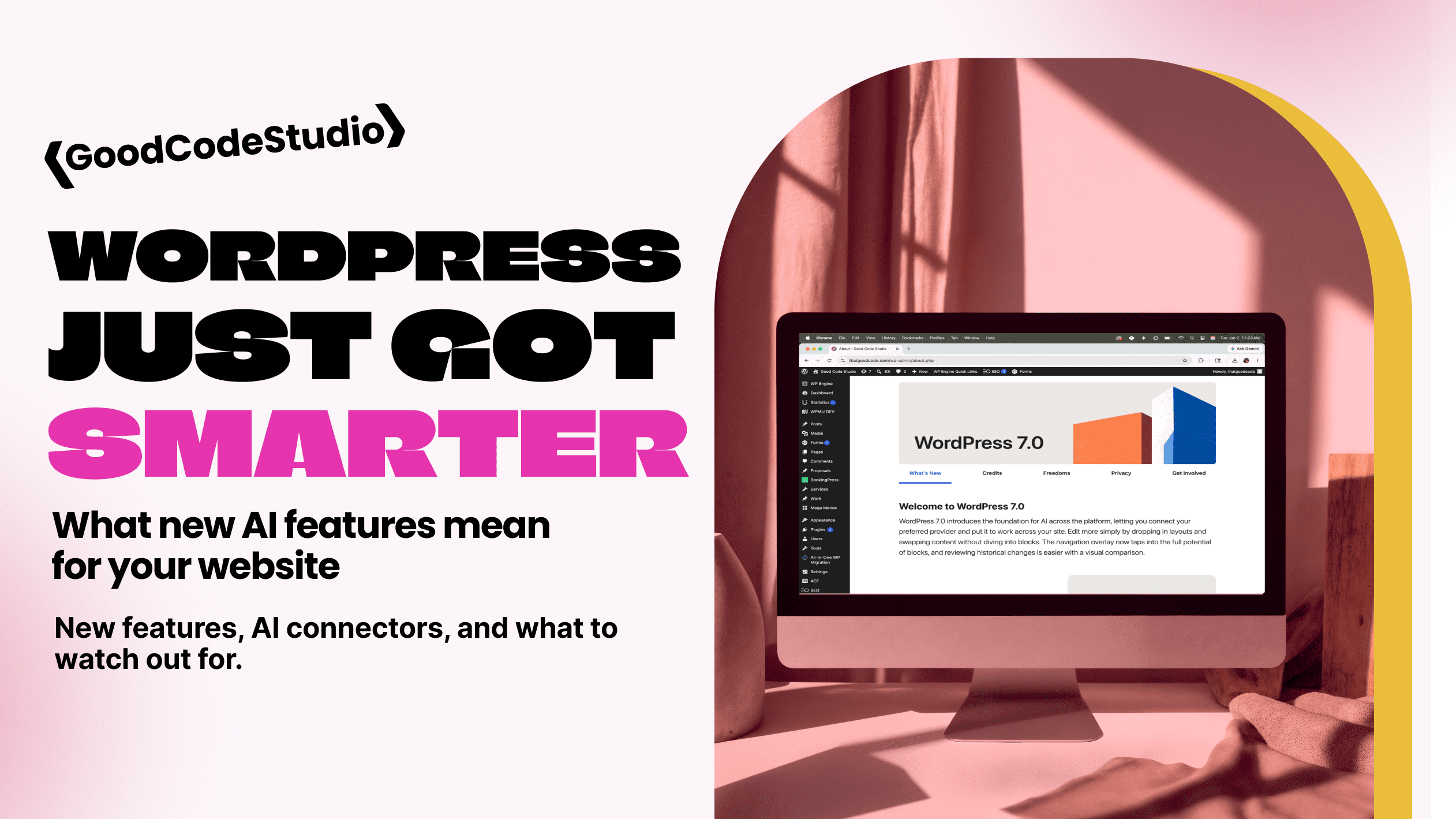
New WordPress AI Features Explained
WordPress has been evolving quickly over the past few years, but the newest updates feel like a bigger shift than usual — especially when it comes to AI.
If you’ve heard terms like AI integrations, connectors, or automations floating around and wondered whether any of it actually matters for your website, the answer is: yes… but maybe not in the way people think.
The latest WordPress updates are introducing smarter workflows, better collaboration tools, and early infrastructure for connecting your website to AI tools in a more meaningful way. Some of it is exciting. Some of it is genuinely useful. And some of it still deserves a healthy amount of caution.
Let’s break it down.
What’s New in WordPress?
The newest version of WordPress focuses heavily on improving the editing experience, collaboration, performance, and future-ready AI functionality.
Some of the more noticeable improvements include:
Better Collaboration Inside WordPress
One of the most practical additions is block-level notes — essentially comments directly inside the editor.
Think Google Docs-style collaboration, but built into WordPress. Instead of emailing screenshots or sending “can you move that paragraph?” messages, team members can leave notes directly on content blocks. This is especially helpful for nonprofits, schools, and organizations with multiple people reviewing content.
More Flexible Content Management
WordPress now makes it easier to prepare content before it goes live.
For example, blocks can be hidden from the front end while still remaining visible in the editor. That means you can draft seasonal promotions, event content, donation campaigns, or announcements in advance without publishing them yet.
Performance Improvements
Behind the scenes, WordPress continues improving performance and Core Web Vitals — which matters for both SEO and user experience.
In plain English: faster websites tend to rank better, convert better, and frustrate visitors less. While updates alone won’t magically fix a slow website, WordPress is continuing to move in the right direction.
What Are WordPress AI Connectors?
This is where things get interesting.
WordPress is quietly building infrastructure that allows websites to connect more directly with AI tools and services. Instead of random plugins all working differently, WordPress is beginning to standardize how AI integrations work behind the scenes.
In simple terms:
An AI connector acts like a bridge between your WordPress site and AI tools such as content assistants, chat systems, automations, or even custom workflows.
Imagine things like:
- Drafting blog content based on your existing website voice
- Creating or improving SEO descriptions
- Generating first drafts of newsletters or social posts
- Suggesting accessibility improvements
- Helping organize large content libraries
- Creating content summaries for events, products, or services
- Automating repetitive admin tasks
Some newer systems are even moving toward letting AI interact more directly with your website’s structure — not just writing text, but helping manage layouts, content organization, and workflows.
How WordPress AI Features Can Help Website Owners
Faster Content Creation
For organizations that struggle to keep their websites updated, AI can help break through the “blank page” problem.
Need a first draft of an event page? A newsletter? A blog outline?
AI can speed up the process significantly.
The important part: first draft.
The best results still happen when a human reviews, edits, and adds personality and accuracy.
Better Website Maintenance
AI tools can help flag broken content, identify SEO gaps, improve readability, or surface opportunities for improvement.
Think of it less like replacing a developer and more like adding a smart assistant.
Smarter Workflows
This is the part I’m personally most interested in.
Instead of copying content between five different platforms, future WordPress workflows may allow organizations to automate repetitive tasks more intelligently — especially for content-heavy sites.
The Cons (Because There Are Definitely Cons)
AI Still Gets Things Wrong
This is the big one.
AI is confident — even when it’s incorrect.
For schools, nonprofits, medical organizations, or businesses sharing important information, publishing AI-generated content without review can create real problems.
Facts can be wrong. Dates can be wrong. Tone can feel generic.
And honestly? People can usually tell.
Generic Content Is Everywhere
Google is getting better at rewarding helpful, human-first content.
If every organization starts publishing bland AI-written blog posts that sound exactly the same, standing out becomes harder.
Your website should still sound like your organization, not a robot.
Privacy & Data Concerns
Not every AI connector works the same way.
Depending on the tool, content may be processed through third-party systems. That raises questions around privacy, especially for organizations handling donor information, student information, or sensitive internal content.
Before turning on every shiny new AI feature, it’s worth understanding what data is being shared and how it’s being used.
Plugin Overload Is Still a Problem
WordPress users have a habit of installing every trendy plugin they see.
Adding six AI plugins to your website usually doesn’t make it smarter — it just makes it slower, more bloated, and harder to maintain.
A thoughtful setup almost always wins.
Final Thoughts: Should You Be Excited?
Yes — cautiously.
The newest WordPress updates are laying the foundation for some genuinely useful AI-powered workflows. But this isn’t about replacing strategy, design, or thoughtful development.
A good website still needs:
- Clear messaging
- Smart structure
- Strong performance
- Accessibility
- Human oversight
AI can absolutely make managing a website easier.
But the best websites will still be the ones that combine smart tools with thoughtful strategy.
Technology changes fast. Good websites are still built to last.