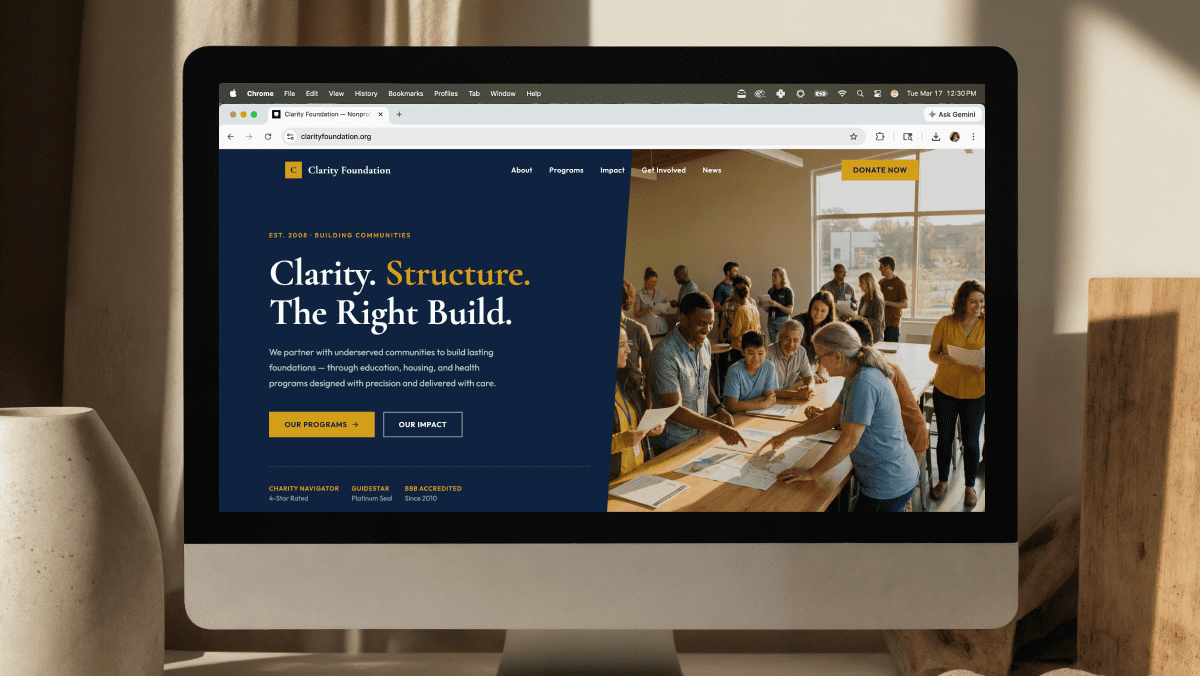
If you’re starting a new website, you’ve probably seen ads for website builders like Squarespace and Wix. They promise sleek templates, drag-and-drop editing, and a quick path to publishing. On the other hand, WordPress powers over 40% of the web and is known for its flexibility and scalability. So which is right for your business? Let’s break down the differences so you can make the best decision for your goals.
Ease of Use
- Squarespace/Wix: These platforms are built for beginners. Their drag-and-drop editors make it simple to build a page without knowing a line of code. The trade-off? Limited flexibility. You’re boxed into their templates and design systems.
- WordPress: Out of the box, WordPress has a steeper learning curve. But when paired with a professional developer, it’s far more powerful. You’re not limited to templates — you can create something truly custom.
Verdict: Builders win for absolute beginners; WordPress wins for businesses that need customization and room to grow.
Flexibility and Customization
- Squarespace/Wix: You can choose from pre-designed templates and adjust colors, fonts, and layouts. But deeper changes — like adding unique features, integrating custom tools, or reconfiguring layouts — are limited.
- WordPress: Every aspect can be customized. Whether it’s a booking system, e-commerce functionality, or a tailored design, WordPress can handle it. There’s no ceiling on what your site can become.
Verdict: WordPress is the clear winner for businesses with unique needs.
SEO (Search Engine Optimization)
- Squarespace/Wix: They offer basic SEO features (titles, descriptions, alt tags). For many small sites, that’s enough. But if you want advanced SEO control — schema markup, speed optimization, or technical SEO tweaks — these platforms fall short.
- WordPress: With clean coding practices and powerful SEO plugins, WordPress makes it easy to fine-tune every element of your site. Faster load times, structured data, and optimized content structure give you a real edge in rankings.
Verdict: WordPress provides stronger SEO tools and long-term benefits.
Ownership and Portability
- Squarespace/Wix: Your site lives on their platform. If they raise prices, change policies, or shut down features, you’re stuck. Migrating your site to another provider is difficult, often impossible.
- WordPress: Your site is fully yours. You choose your hosting provider, move your site when you want, and own every line of content and code.
Verdict: WordPress offers true ownership and control.
Cost Over Time
- Squarespace/Wix: Low monthly fees ($16–$40) make these platforms attractive at first. But as your site grows, you may need add-ons, third-party apps, or higher-tier plans. And when you hit limitations, rebuilding on another platform can get expensive.
- WordPress: Costs more upfront, especially for custom development. But with full control and scalability, you avoid the rebuild trap. Over time, WordPress is often more cost-effective for serious businesses.
Verdict: Builders look cheaper upfront, but WordPress is the smarter long-term investment.
Local Business Perspective
For Houston-area businesses in Oak Forest and Garden Oaks, standing out in a competitive market matters. Squarespace or Wix might be fine for a side project, but if you’re building a business that relies on online visibility, speed, and growth, WordPress is the better choice. It ensures your site isn’t just functional today but continues to perform as your business evolves.
Final Thoughts
Squarespace and Wix are good entry-level tools. But if you want a website that’s fast, flexible, and built to scale with your business, WordPress wins. At Good Code Studio, we specialize in creating custom WordPress sites that load quickly, rank well, and reflect your unique brand. No cookie-cutter templates — just clean code, thoughtful design, and a site that lasts.
👉 Ready to build something that lasts? Start a new project.