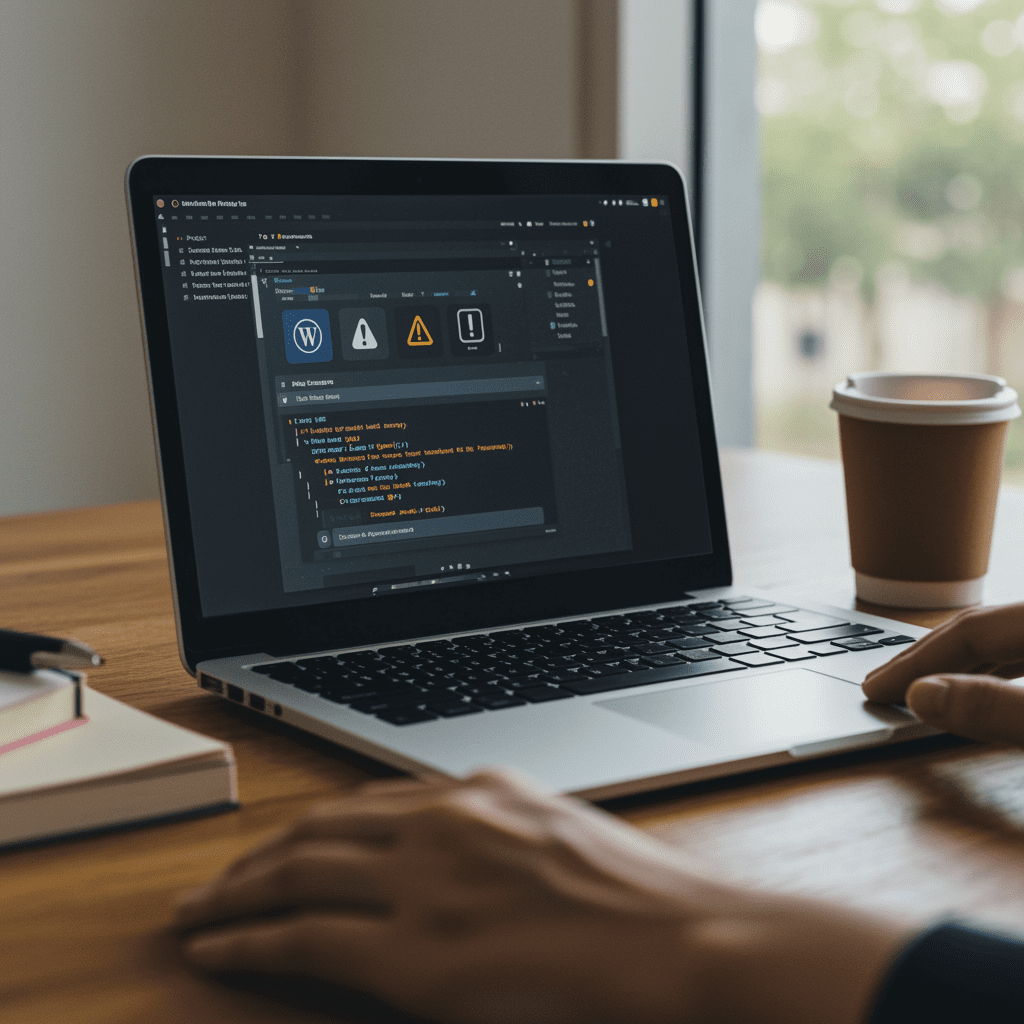
A beautiful website isn’t worth much if it’s slow, insecure, or broken. WordPress is powerful, flexible, and endlessly customizable — but it also requires regular care to keep running smoothly.
That’s where a WordPress maintenance plan comes in. Just like routine maintenance for your car, a maintenance plan keeps your site secure, fast, and up to date while preventing costly issues before they happen. Professional WordPress website maintenance helps prevent security vulnerabilities, downtime, and performance problems.
In this guide, we’ll walk through what a WordPress maintenance plan includes and why it’s essential for long-term website health.
Core, Theme, and Plugin Updates
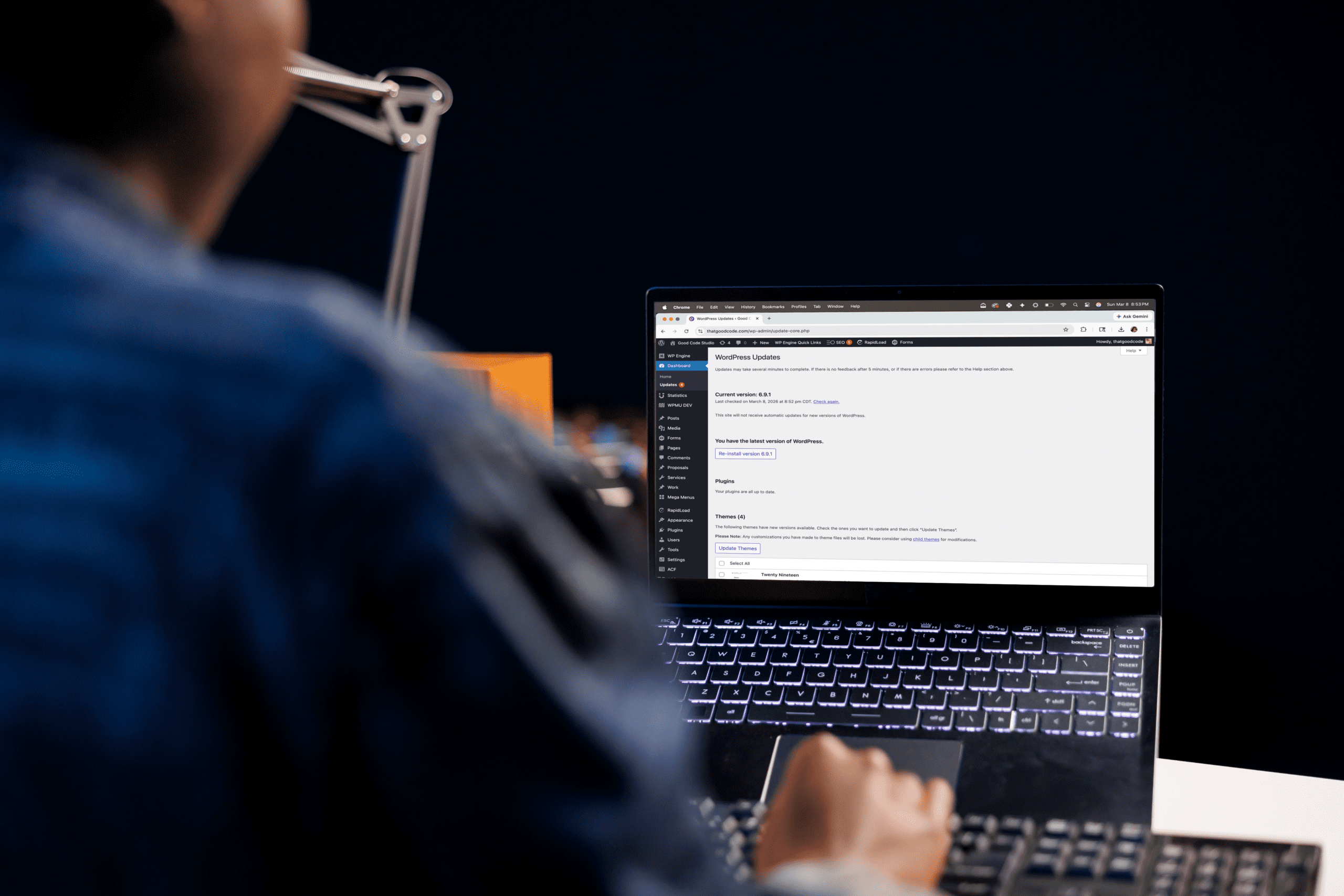
WordPress sites are made up of core software, a theme, and plugins that extend functionality. Each piece needs frequent updates.
- Core updates keep WordPress itself secure and compatible with modern features.
- Theme updates prevent styling or functionality conflicts.
- Plugin updates fix bugs, patch security issues, and add improvements. Sites with complex functionality may also require custom WordPress plugins to avoid conflicts between third-party tools.
- Ecommerce websites often require additional monitoring and updates, especially when running a WooCommerce store.
Why it matters: Outdated software is the #1 cause of hacked sites. Skipping updates leaves doors wide open for attackers.
Backups You Can Count On
If something goes wrong — a plugin conflict, a bad update, or a hack — backups are your safety net. A good maintenance plan includes:
- Automatic daily backups stored offsite.
- Easy restoration so your site can be back online quickly.
Why it matters: Without backups, you risk losing content, customer data, and revenue.
Security Monitoring and Malware Protection
Websites face constant threats — from bots trying to brute-force logins to malicious code injections. A proactive maintenance plan includes:
- 24/7 security monitoring for suspicious activity.
- Firewall protection to block attacks before they start.
- Malware scans and cleanup if an issue is detected.
Why it matters: A hacked site doesn’t just cost money — it damages trust with your customers.
Uptime and Performance Monitoring
Every minute your website is down, you’re losing opportunities. Maintenance plans include tools that:
- Alert you immediately if your site goes offline.
- Monitor load times and page speed.
- Provide performance reports so you know your site is running at its best.
Why it matters: Customers expect instant access. If your site is down, they won’t wait.
Support Hours for Updates and Fixes
A maintenance plan isn’t just about behind-the-scenes work. It should also include support time for:
- Content updates (adding new pages, text, or images).
- Fixing bugs or broken features.
- Making small design or functionality improvements.
Why it matters: Having a dedicated expert means you don’t waste hours troubleshooting — and you can focus on running your business.
The Cost of Skipping Maintenance
Some business owners try to save money by skipping maintenance. But in the long run, it’s more expensive:
- Security breaches can cost thousands in cleanup and lost revenue. Recovering from a hacked WordPress site often requires emergency developer work and full site restoration.
- Downtime can mean lost revenue and reputation.
- Outdated sites are harder (and pricier) to fix when things finally break.
Why it matters: Proactive care costs less than reactive repair.
How Often Should WordPress Maintenance Be Performed?
WordPress maintenance should happen regularly to keep your site secure and stable.
Most maintenance plans include:
• Weekly plugin and theme updates
• Daily or weekly backups
• Continuous security monitoring
• Monthly performance checks
For business websites, ongoing monitoring is essential. Even small issues — like plugin conflicts or outdated software — can cause downtime or security vulnerabilities if left unresolved.
A structured WordPress maintenance plan ensures updates, security, and performance are handled consistently.
Frequently Asked Questions About WordPress Maintenance
WordPress maintenance refers to the ongoing tasks required to keep a website secure, updated, and performing well. This includes software updates, backups, security monitoring, and troubleshooting.
Yes.
WordPress sites rely on plugins, themes, and core software that require regular updates to stay secure and compatible.
Without maintenance, websites can become vulnerable to security threats, plugin conflicts, slow performance, and broken functionality.
Final Thoughts
Your website is one of your most valuable business assets. Treat it like one. A WordPress maintenance plan isn’t a luxury — it’s essential for keeping your site fast, secure, and reliable.
Want peace of mind for your website?
Explore our WordPress maintenance plans and keep your site secure, fast, and up to date. →