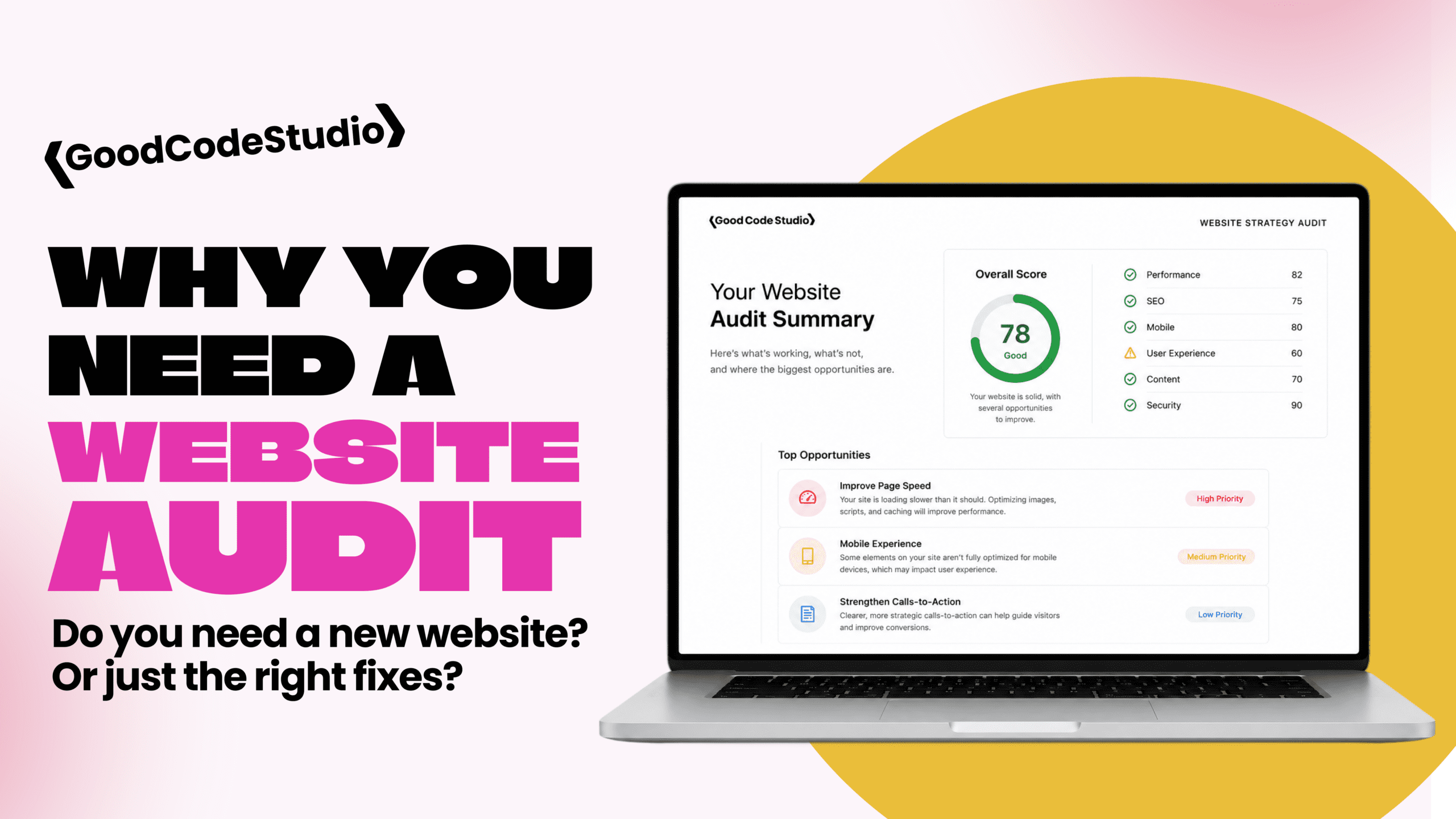
Signs It’s Time for a Website Audit
You might notice:
- Slower load times
- Plugin update conflicts
- Forms behaving inconsistently
- Admin dashboard lag
- Broken layout elements
- Declining search rankings
These are surface-level symptoms of deeper structural issues.
What a WordPress Audit Actually Evaluates
A proper audit examines:
1. Performance
- Page load speed
- Core Web Vitals
- Script loading order
- Image optimization
2. Plugin Stack
- Redundant plugins
- Abandoned plugins
- Overlapping functionality
- Security risks
3. Code Structure
- Theme organization
- Template logic
- Script enqueueing
- Database queries
4. SEO Foundation
- Heading structure
- Internal linking
- Meta configuration
- URL clarity
Why Audits Prevent Expensive Rebuilds
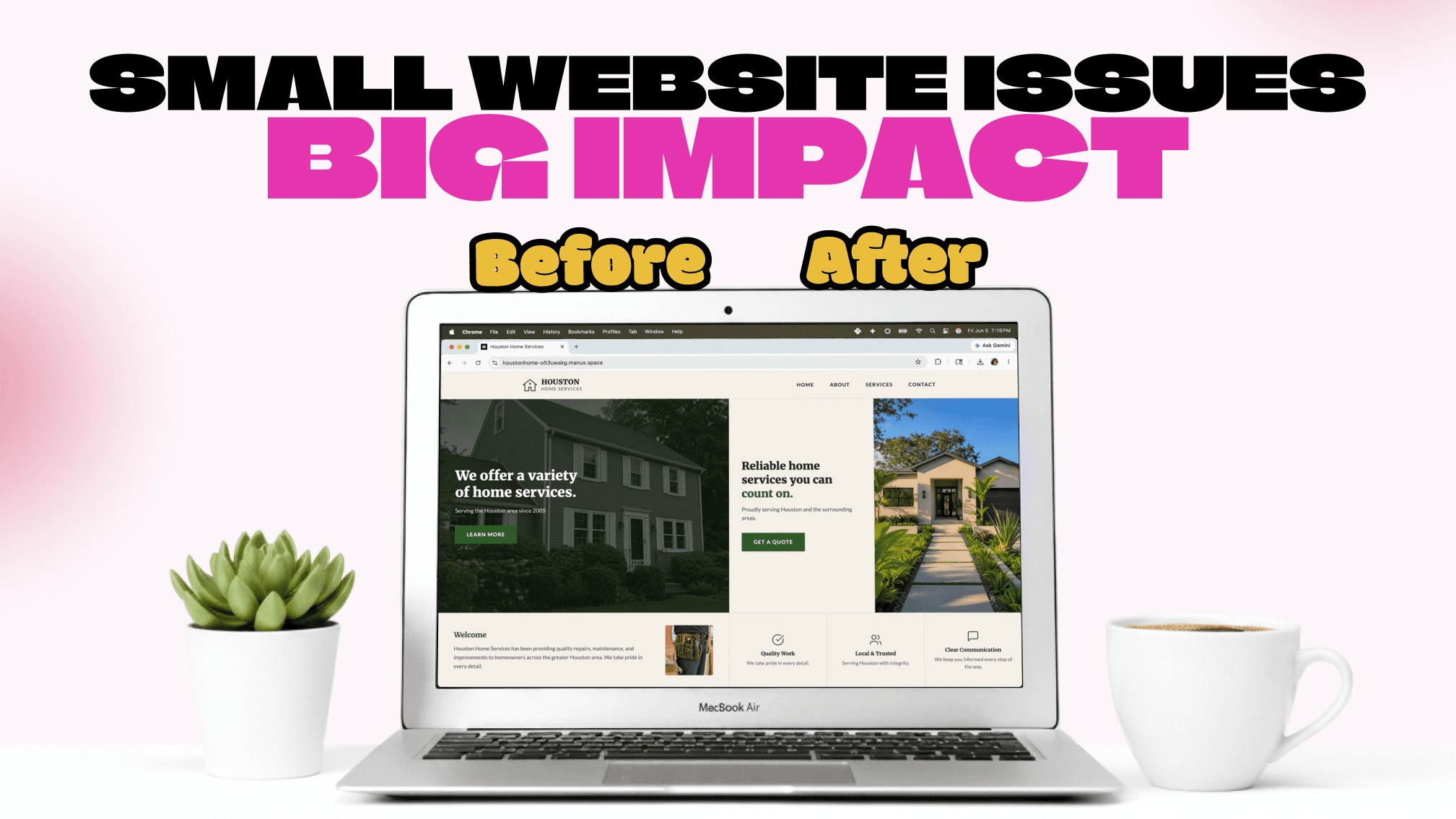
Not every struggling website needs a full redesign.
Sometimes the solution is:
- Removing plugin bloat
- Consolidating functionality
- Cleaning up asset loading
- Clarifying content hierarchy
A focused cleanup can restore performance without starting from scratch.
Especially Important for Nonprofits and Growing Teams
Organizations without internal developers often accumulate:
- Quick fixes
- Temporary plugins
- Layered integrations
Over time, those layers create instability.
A strategic audit resets the foundation.
If your WordPress site feels heavier every year instead of smoother, it’s worth evaluating before problems escalate.
Ready to build something custom? Let’s talk about your project.
👉 Contact Good Code Studio or email hello@thatgoodcode.com.